Connecting your CalDAV server
The first time you open the app, it asks for three things: your CalDAV server’s URL, your username, and your password. These are stored only in your own browser (IndexedDB) — never sent anywhere except straight to the CalDAV URL you give it.
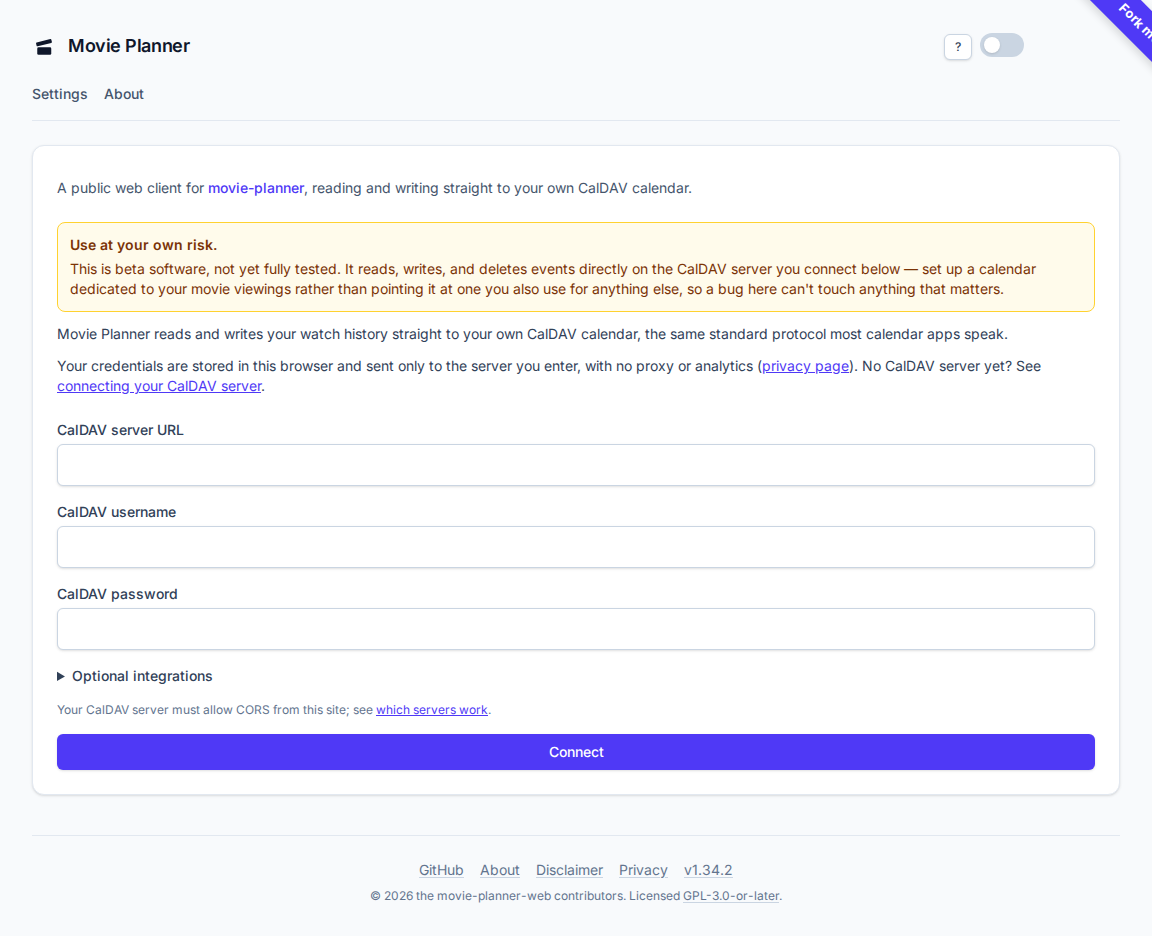
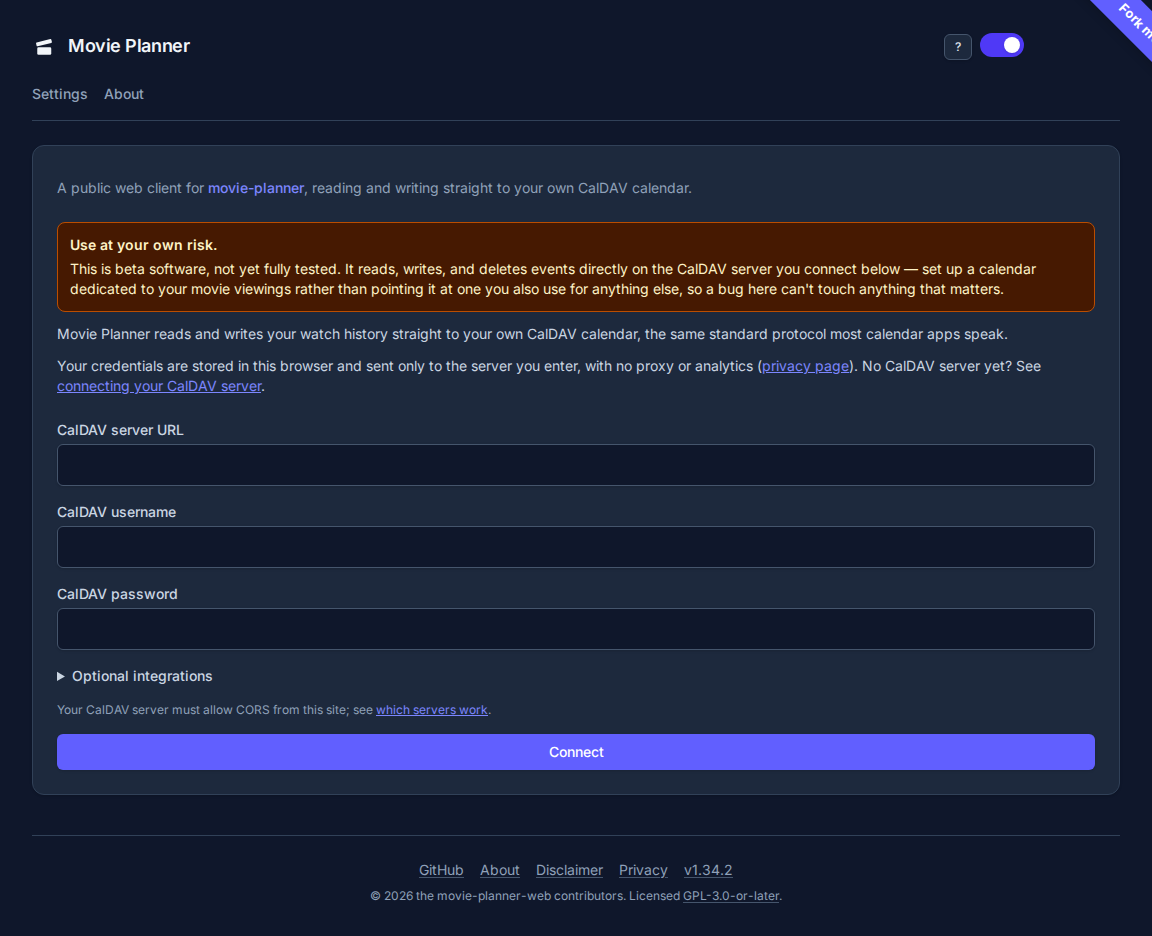
Your CalDAV server has to allow requests from this app’s origin (CORS). If you’re setting one up yourself, the README’s requirements section has the exact headers and working examples for Caddy, nginx, and Traefik. If connecting fails, that’s the first thing to check — a CORS failure usually shows as a generic network error with no further detail from the browser.
Your calendar also has to accept VJOURNAL components, which is what
this app’s venue/medium picklists are stored in. On Baikal this is the
“Notes” checkbox on the calendar’s own settings — if it’s off, connecting
and logging still work, but nothing you add to a venue or medium list
ever survives a reload, with no error shown. See the README’s
requirements section, linked in the preceding paragraph, for how to check
and fix it.
Which servers work
Section titled “Which servers work”This app talks to your CalDAV server straight from your browser, so the server has to send CORS headers. Only one provider has been tried in a real browser. The rest are judged from a preflight request, so treat “not expected to work” as a warning, not a verdict.
| Server | Status | Why |
|---|---|---|
| Baikal | Tested, works | Sends no CORS headers itself; works once a reverse proxy adds them (see the README’s requirements section). |
iCloud (caldav.icloud.com) |
Not expected to work, untested | The preflight returns 200 but no Access-Control-Allow-* headers, only Access-Control-Expose-Headers, so a browser blocks the request. |
Fastmail (caldav.fastmail.com) |
Not expected to work, untested | The preflight returns 401 with no CORS headers. A preflight request carries no credentials, so it fails before login. |
| Nextcloud | Not expected to work, untested | Sends no CORS headers by default (Nextcloud server issue 3131). The community WebAppPassword app is reported as a workaround; it hasn’t been tried here. |
The iCloud and Fastmail results come from a preflight sent from this app’s origin on 2026-10-02 and repeated on 2026-10-03. The Nextcloud demo server didn’t answer that probe, so its row rests on the linked issue.
If you connect a provider in a real browser, whether it works or not, please open an issue with the result, so this table can say which and when.
OMDb key (optional)
Section titled “OMDb key (optional)”The OMDb and TMDb keys, the pause checkbox, and the WebMCP checkbox sit together under Optional integrations on the connect form and the settings page. Expand that group to reach them.
Adding an OMDb API key on the connect form or the settings page enables posters, ratings, and cross-links to IMDb, Rotten Tomatoes, and Letterboxd when you log a viewing. Without one, logging and editing still work — you just get plain entries with no artwork or metadata.
OMDb’s free tier caps you at 1,000 requests a day. If you’re importing or logging a large batch, tick “Pause OMDb lookups” (also on the settings page) to skip every OMDb call without losing the stored key, then use “Refresh metadata” on individual entries (or “Refresh all” on the overview) once you’re ready to fetch it.
TMDb key (optional)
Section titled “TMDb key (optional)”Adding a TMDb API key on the connect form or the settings page enriches an already-matched viewing further: a trailer link, the collection it belongs to, its certification, keywords, and budget/popularity, plus richer actors and website links when TMDb has more than OMDb does. TMDb only ever runs once OMDb has already resolved an IMDb ID for a viewing — it’s never used as a search on its own, so it has nothing to add without an OMDb key also set. Without a TMDb key, logging, refreshing, and editing all still work exactly as before — you just don’t get the extra fields.
Switching accounts or servers
Section titled “Switching accounts or servers”There’s no separate “log out” — editing the URL, username, or password on the settings page and saving just points the app at a different calendar. Nothing is retained from the previous connection beyond what your browser already cached.